The AI assistant that gets things done
Answer questions with AI trained on your product and when a user asks for help with a task, complete it for them: clicking, typing, and navigating right in their browser.
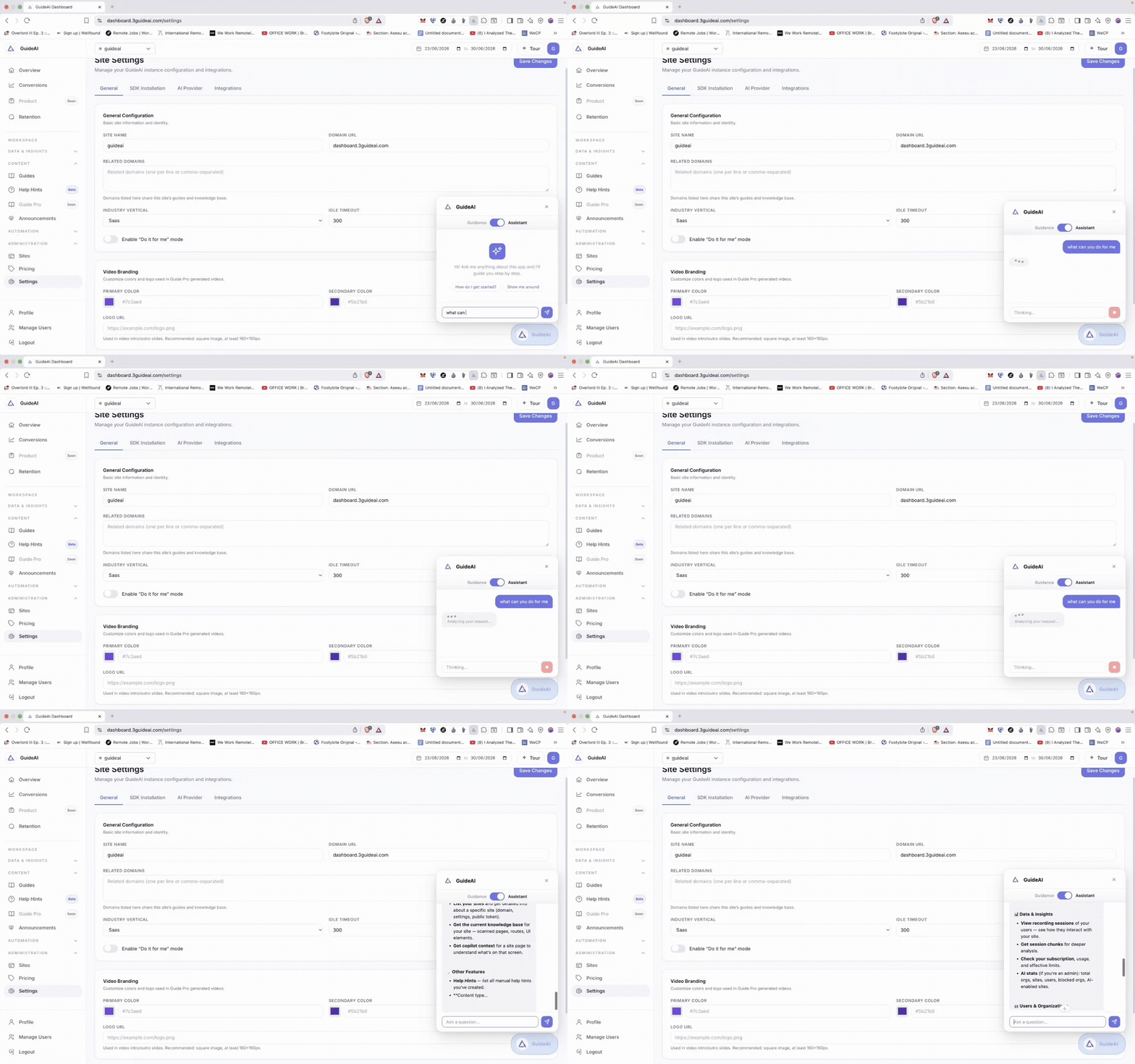
Answer
Instant answers from your own knowledge base
3Guide scans your website and docs to build a knowledge base automatically, then answers user questions in context no tab-switching, no stale help center.
- Knowledge base builds and refreshes itself
- Answers cite your own content, not the open web
- Escalates to your support desk when a human is needed
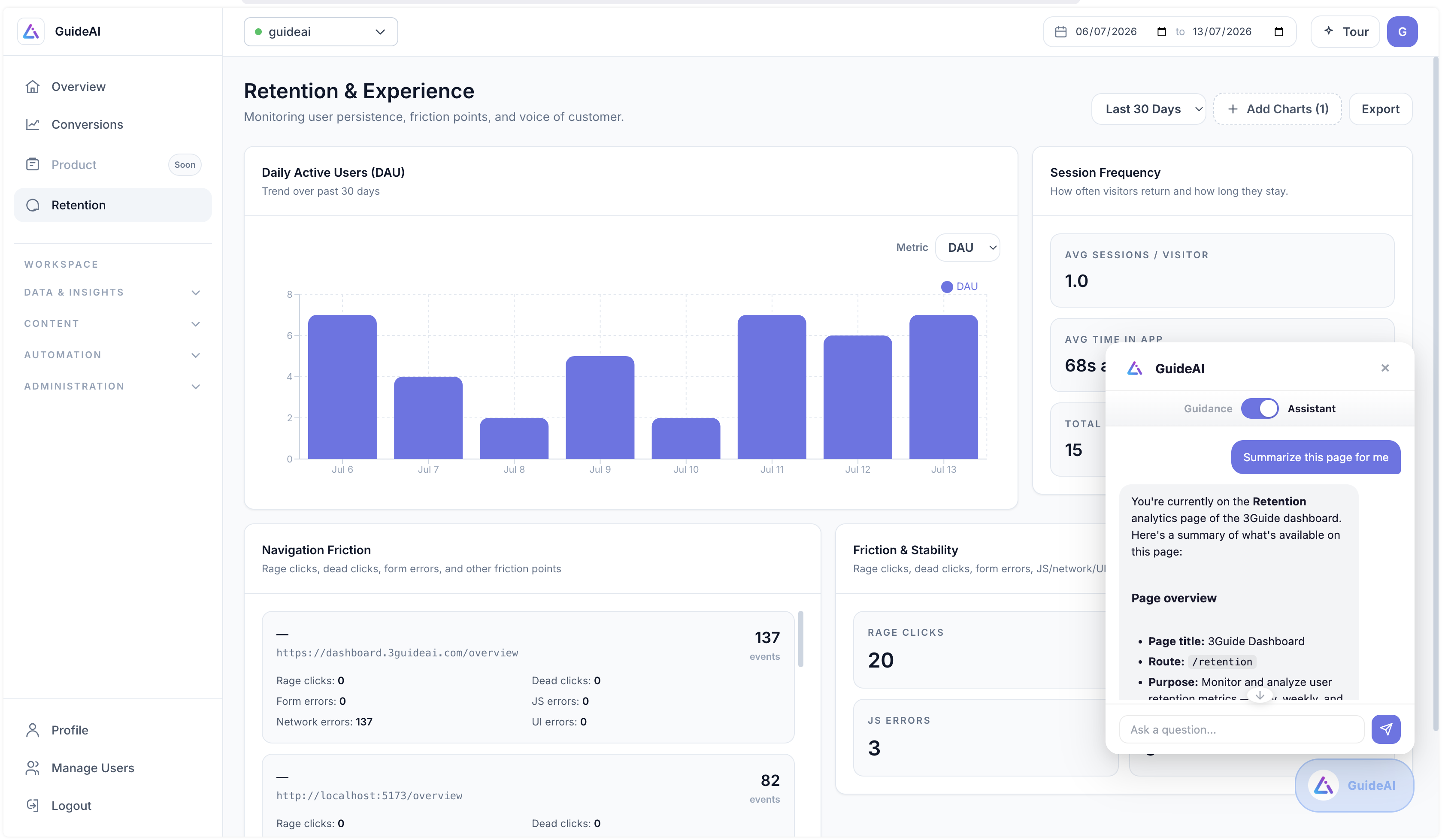
Guide
From answer to walkthrough in one click
When a user would rather learn the flow, the assistant turns its answer into a live guided walkthroughs highlighting each element in the real UI as they go.
- Generates walkthroughs from natural-language questions
- Runs on the live page with step-by-step highlights
- Users choose: read the answer, watch the guide, or delegate the task
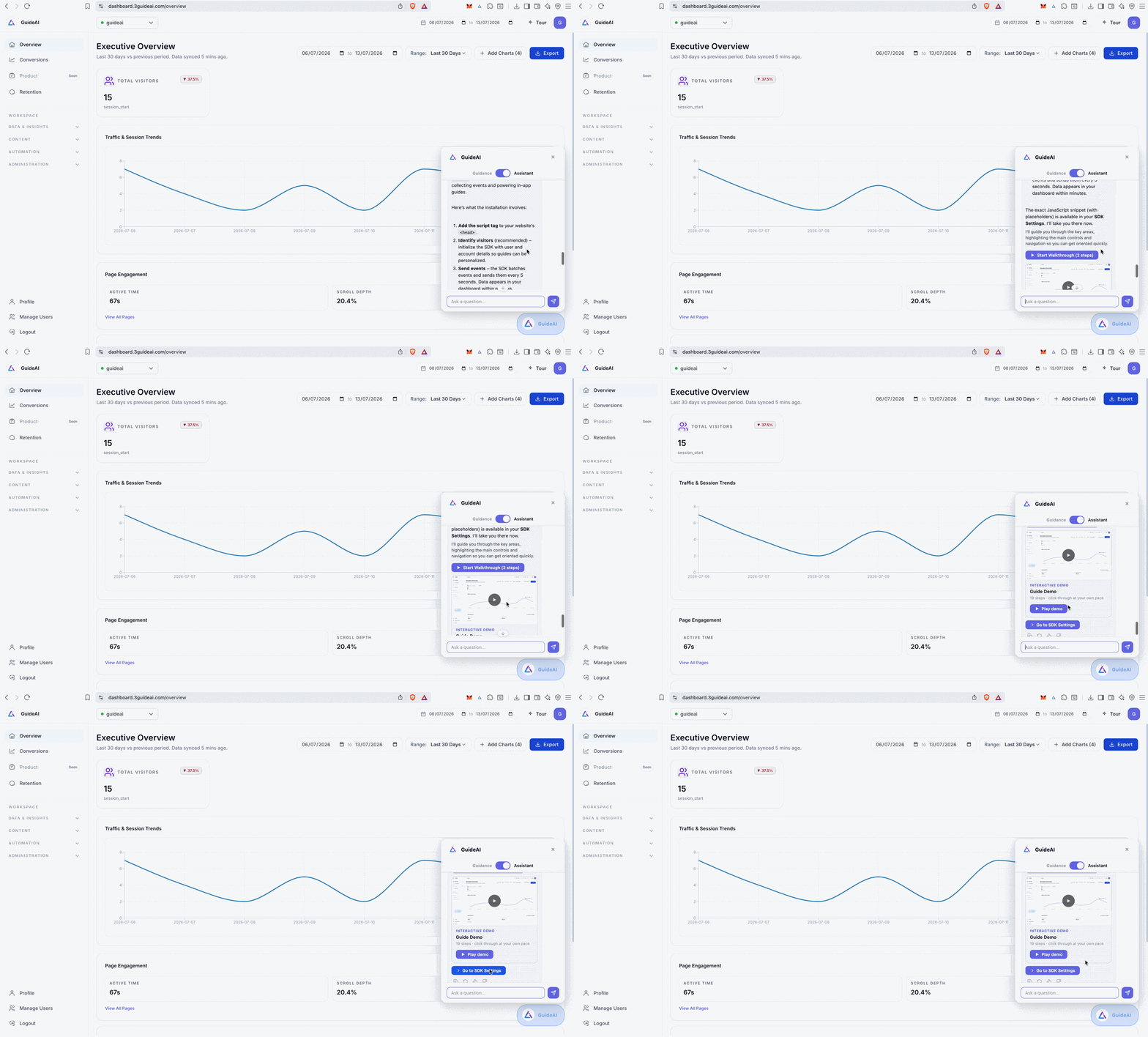
Act
"Do it for me" — and it does
The autonomous copilot drives the browser on the user's behalf: completing forms, configuring settings, and finishing multi-step workflows while the user watches every action in a live execution log.
- Executes clicks, form fills, and navigation on the live page
- Plans multi-step tasks from a single natural-language request
- Streams a step-by-step log of everything it does
- Stops and asks whenever a decision belongs to the user
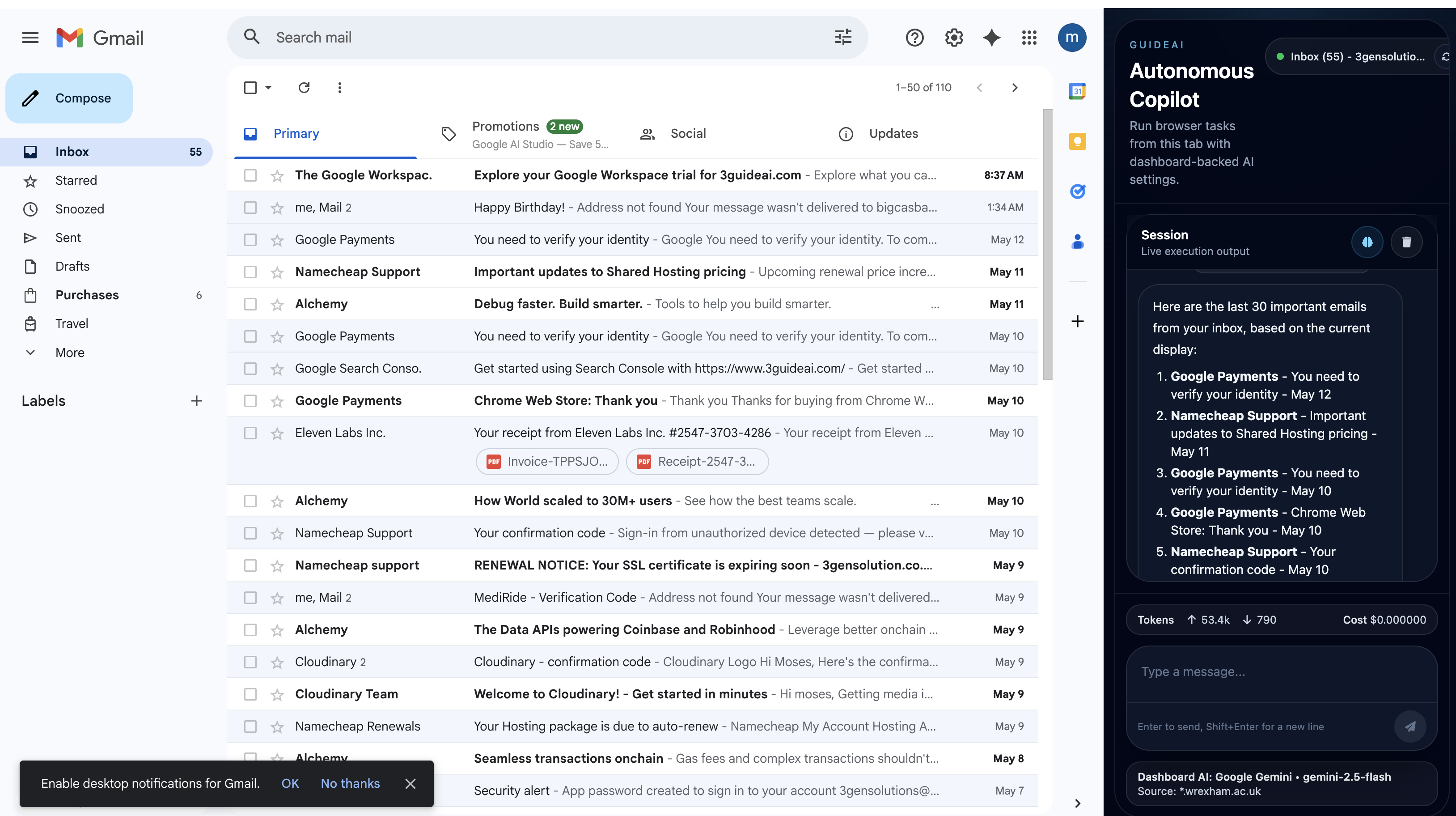
Guardrails
Autonomy with a seatbelt
An AI that acts needs stricter rules than one that talks. The copilot is constrained by design.
Allowlisted actions
The copilot only performs supported, pre-approved action types, nothing improvised, nothing destructive.
User confirmation
Sensitive steps pause for an explicit yes from the user before anything happens.
Fully visible
Every click and keystroke happens on the live page, in front of the user, with a running execution log.
The user's own session
Actions run with the user's existing permissions, the copilot can never do more than they can.
FAQ
Browser Copilot, answered
A chatbot tells users what to do. The 3Guide copilot can also do it by clicking buttons, filling forms, and navigating pages on the live site while the user watches. When users prefer to learn, it generates a guided walkthrough instead.
From a knowledge base 3Guide builds automatically by scanning your website and docs. Answers are grounded in your own content, and you can curate or extend the knowledge base at any time.
It falls back gracefully: offering a step-by-step walkthrough, linking relevant knowledge base articles, or handing off to your human support desk with full context.
The in-app assistant works with the same one-line snippet as the rest of 3Guide. The full browser-driving copilot is delivered through a lightweight Chrome extension.
Give your users an AI that acts
Start with the in-app assistant, then turn on task completion when you're ready.
No credit card required · Set up with one snippet